
Rajasthan SSO ID (Single Sign-On) एक अनूठी डिजिटल आईडी है जिसके माध्यम से आप राजस्थान सरकार की 100 से अधिक डिजिटल सेवाओं का लाभ उठा सकते हैं। इस गाइड में हम आपको पंजीकरण, लॉगिन, पासवर्ड रिकवरी और सामान्य समस्याओं के समाधान की पूरी जानकारी दे रहे हैं।
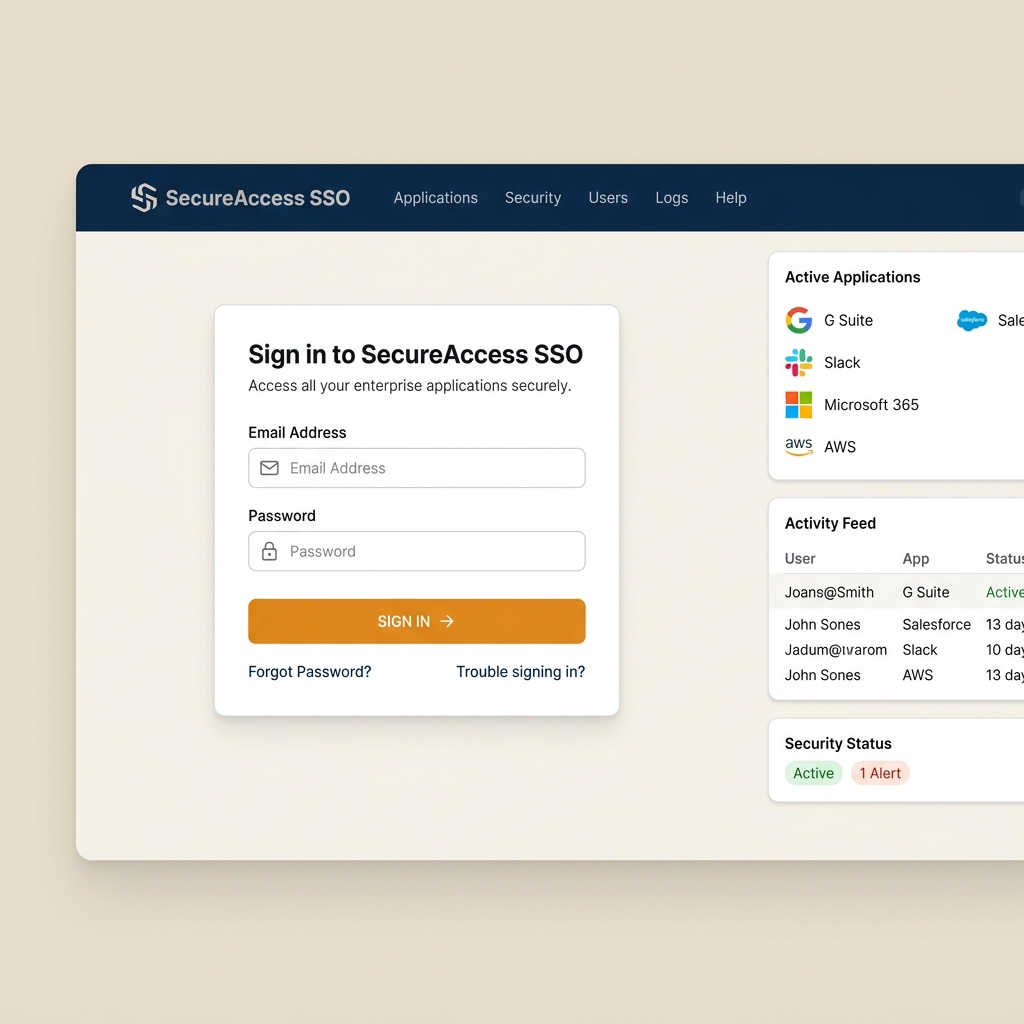
SSO ID लॉगिन कैसे करें? (sso.rajasthan.gov.in)
अपने डैशबोर्ड को एक्सेस करने के लिए इन चरणों का पालन करें:
नई SSO ID रजिस्ट्रेशन कैसे करें?
यदि आपके पास एसएसओ आईडी नहीं है, तो आप इसे मुफ्त में बना सकते हैं:
- एसएसओ पोर्टल पर जाएं और Registration टैब पर क्लिक करें।
- अपनी श्रेणी (Citizen, Udhyog या Govt. Employee) चुनें।
- पहचान विवरण दर्ज करें और ओटीपी सत्यापन पूरा करें।
- अपना नया एसएसओ यूज़रनेम और एक मजबूत पासवर्ड सेट करें।
SSO पोर्टल पर उपलब्ध प्रमुख डिजिटल सेवाएं
एक बार लॉगिन करने के बाद, आप निम्नलिखित प्रमुख सरकारी ऐप्स का उपयोग कर सकते हैं:
- e-Mitra (ई-मित्र): बिल भुगतान, प्रमाण पत्र आवेदन आदि।
- Recruitment Portal: सरकारी भर्तियों के ऑनलाइन आवेदन।
- Bhu Naksha (भू नक्शा): भूमि के नक्शे और जमाबंदी की जानकारी।
- Scholarship (छात्रवृत्ति): राज्य स्तरीय छात्रवृत्ति योजनाओं के आवेदन।
SSO ID पासवर्ड कैसे रीसेट करें?
यदि आप अपना पासवर्ड भूल गए हैं, तो इसे इस प्रकार रीसेट करें:
SSO पोर्टल लॉगिन समस्या समाधान
यदि आपको लॉगिन करते समय कोई समस्या आ रही है, तो इन समाधानों को देखें:
Invalid Username or Password
सुनिश्चित करें कि कैप्स लॉक बंद है। पासवर्ड भूल गए हैं, तो 'Forgot Password' विकल्प पर जाकर नया पासवर्ड बनाएं।
OTP प्राप्त न होना
कई बार नेटवर्क या सर्वर समस्याओं के कारण ओटीपी आने में समय लगता है। कुछ देर प्रतीक्षा करें और दोबारा प्रयास करें।
अक्सर पूछे जाने वाले सवाल (FAQ)
एसएसओ पोर्टल से जुड़े आम प्रश्न और उनके उत्तर:
SSO ID हेल्पलाइन
पोर्टल की तकनीकी समस्याओं के लिए सीधे हेल्पलाइन डेस्क से संपर्क करें: